
Unlock Password-Protected PDF for NEET PG Upload
Enter the password, download an unlocked PDF, then compress under 1 MB for NBEMS certificates.
Many hospital / council certificates are shared as password-protected PDFs. The compress tool cannot process them until unlocked.
Use Unlock Password PDF (hub tab: Unlock PDF#unlock).
Steps
- Open Unlock PDF.
- Drag & drop the locked PDF.
- When prompted, enter the PDF password.
- Wait for page-by-page unlock progress.
- Preview, then Download unlocked PDF.
- Open PDF Compressor and shrink it under 1 MB if needed.
If password is wrong
The tool shows Incorrect password. Re-check the password from the issuer (email / SMS) and try again. MockX cannot guess or bypass passwords.
FAQs
Q1: Does unlocking send my PDF to a server?
A: No. Unlocking runs in your browser.
Q2: Why unlock before compress?
A: Encrypted PDFs cannot be opened for recompression. Unlock → compress → upload.
Recent NEET Updates
Stay ahead in your preparation with our latest blogs:

Reaching the Age of Adolescence Class 8 Science | Rapid Revision in 10 Minutes | NCERT
Step through it in the video below

Reproduction in Animals Class 8 Science | Rapid Revision in 10 Minutes | NCERT
Step through it in the video below

Combustion and Flame Class 8 Science 🔥 | Rapid Revision in 10 Minutes | NCERT
Step through it in the video below
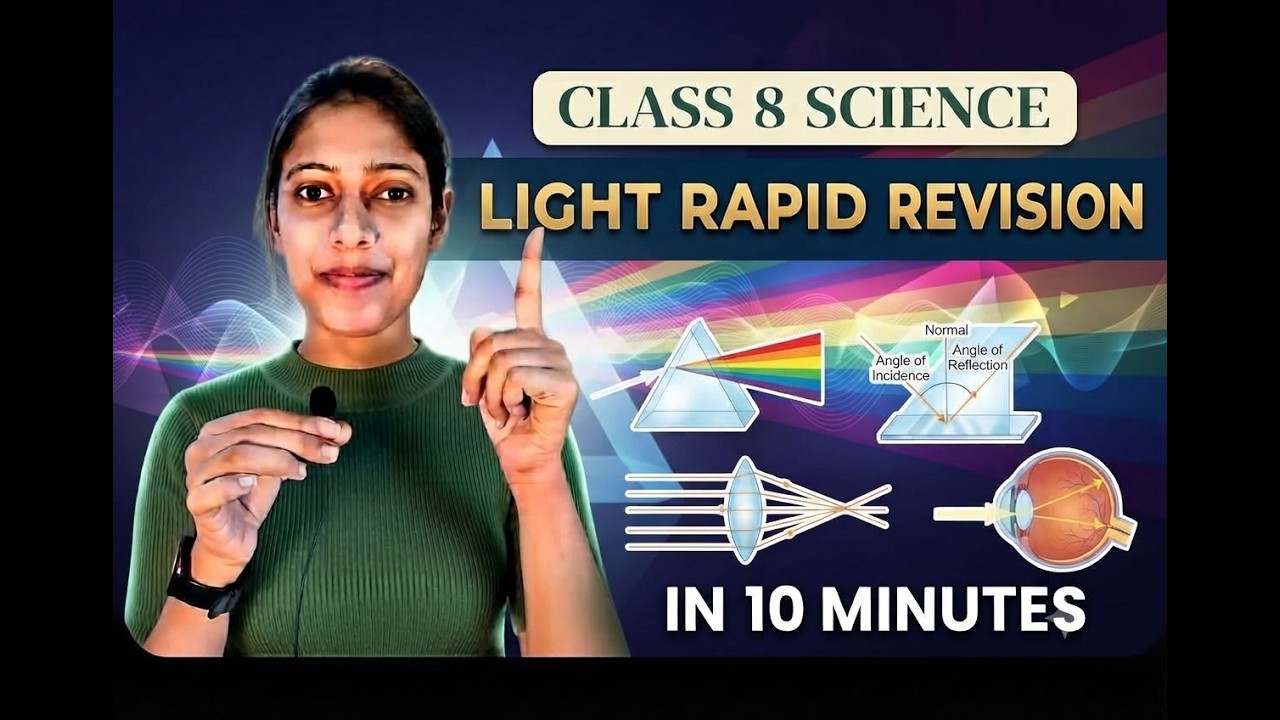
Light Class 8 Science | Rapid Revision in 10 Minutes | NCERT Class 8 Light | Important Concepts
Step through it in the video below
Ready to practice? Get the MockX App
Everything you need for NEET 2026 — available on Android & iOS.