
NEET PG Signature & Left Thumb Impression — How to Prepare Upload
Scan on white paper, convert to JPG, and resize with the free MockX tool before NBEMS registration.
Priya Yadav
Updated:
Prepare your signature and left thumb files with Signature & Thumb Tool (or hub tab Signature & Thumb#signature).
Steps
- Scan or photograph your signature / left thumb on plain white paper.
- Open the tool and pick Scanned signature or Left thumb impression.
- Drag & drop the image (or click to browse).
- Wait for processing — the tool outputs a JPG in a safe size band.
- Preview, then Download JPG.
- Use View on the NBEMS form after upload to confirm clarity.
Tips for a clean scan
- Good light, no heavy shadows
- Full signature / full thumb print visible — don’t cut edges
- Dark ink / clear impression on white background
- Avoid glare from phone flash
Related tools
FAQs
Q1: Can I upload PNG?
A: Prefer JPG. This tool converts and sizes to JPG for you.
Q2: Signature looks grey after export — is that OK?
A: Mild contrast is applied for readability. Check the preview; re-scan if the original was too light.
Recent NEET Updates
Stay ahead in your preparation with our latest blogs:

Reaching the Age of Adolescence Class 8 Science | Rapid Revision in 10 Minutes | NCERT
Step through it in the video below

Reproduction in Animals Class 8 Science | Rapid Revision in 10 Minutes | NCERT
Step through it in the video below

Combustion and Flame Class 8 Science 🔥 | Rapid Revision in 10 Minutes | NCERT
Step through it in the video below
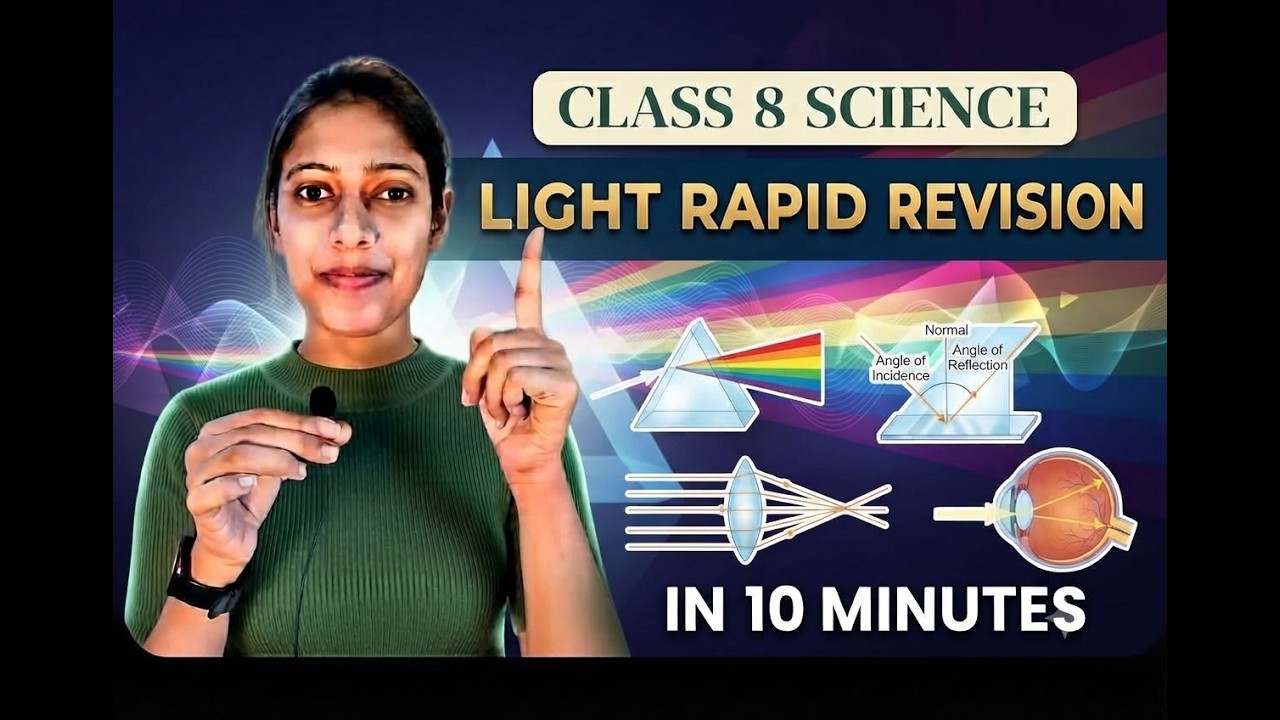
Light Class 8 Science | Rapid Revision in 10 Minutes | NCERT Class 8 Light | Important Concepts
Step through it in the video below
Ready to practice? Get the MockX App
Everything you need for NEET 2026 — available on Android & iOS.
Free Mock Tests with AI Analysis
10+ Years PYQs — Chapter-wise
Smart Flashcards & Quick Revision
Daily Streak & Leaderboard
P